

The Time Sense platform
AI-powered enterprise time and attendance
Capture every punch, grade it by your rules, and let AI explain, predict and act - in English and Arabic, in the cloud or on your own servers.
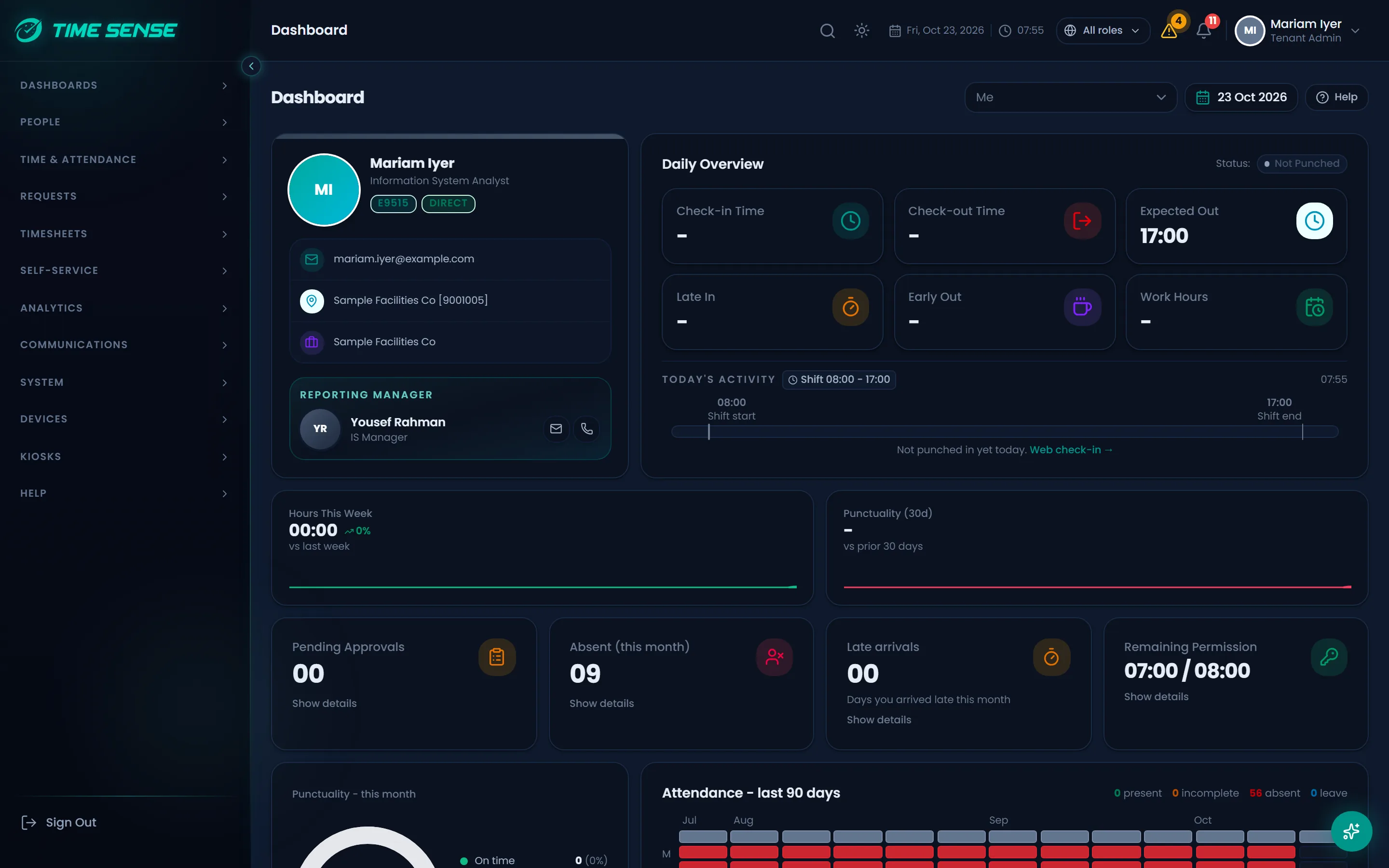
Capture every punch, every channel
Biometric devices, a face kiosk, the mobile app and the web all feed one attendance record, with checks at the moment of capture.
- Biometric devices: ZKTeco terminals push punches straight in, and a face enrolled once on the web reaches every face kiosk.
- A face kiosk tablet with active liveness (blink, turn, smile) that keeps working offline and signs every stored punch so the server can verify it.
- A mobile app that checks the location first (GPS geofence or a rotating signed site QR code), then the face with liveness; mock locations are flagged or blocked by your policy.
- Web check-in that places the employee at a site, then an optional face photo with liveness and face match; manual and direct entry go through review.
- Biometric devices
- Face kiosk
- Mobile app
- Web check-in
- Manual entry
One attendance record per day
Graded by your rules
- Punches from every channel captured
- Shift, grace and flexible hours applied
- Overtime and violations checked
- Day graded and ready for approval
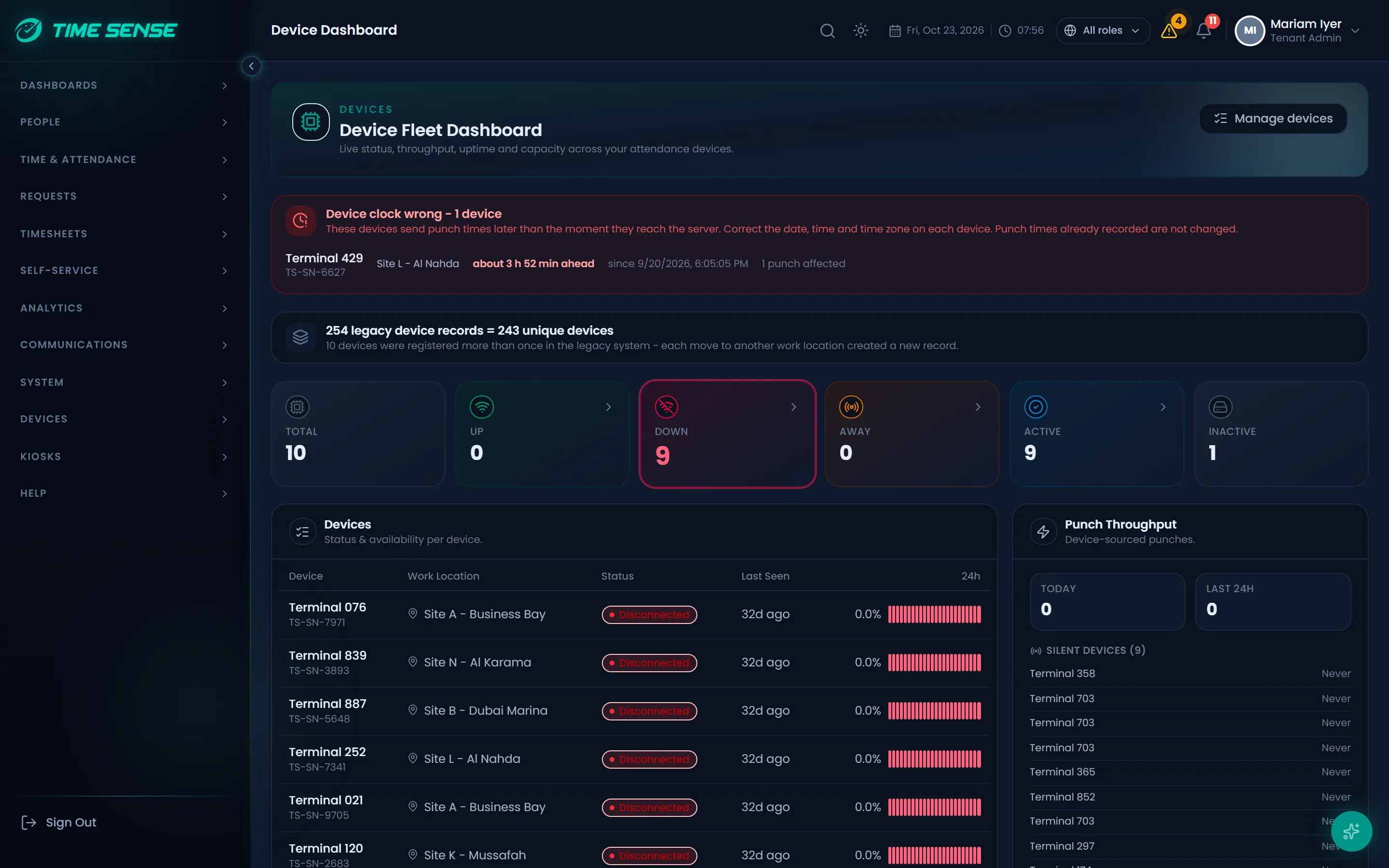
Shifts and rosters
Model every working pattern once, then plan who works where and when.
- Fixed, flexible, overnight and split shifts, grouped into schedules.
- A roster planner to assign shifts across teams and dates.
- Holiday calendars and date-effective work location assignments, so history stays correct when people move.
- Smart Assign suggests who fits an open shift, and a manager confirms every assignment.
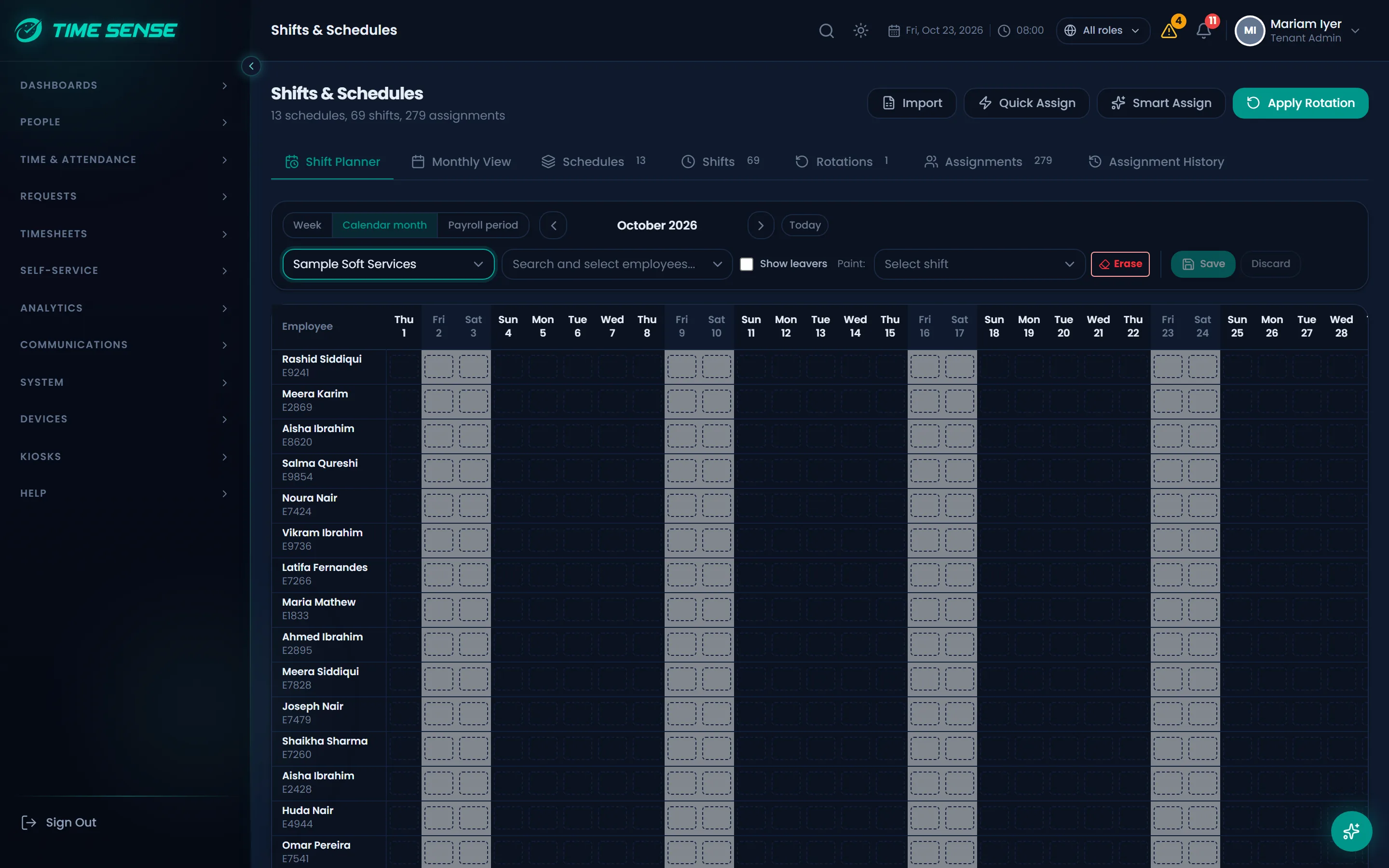
Rules that grade themselves
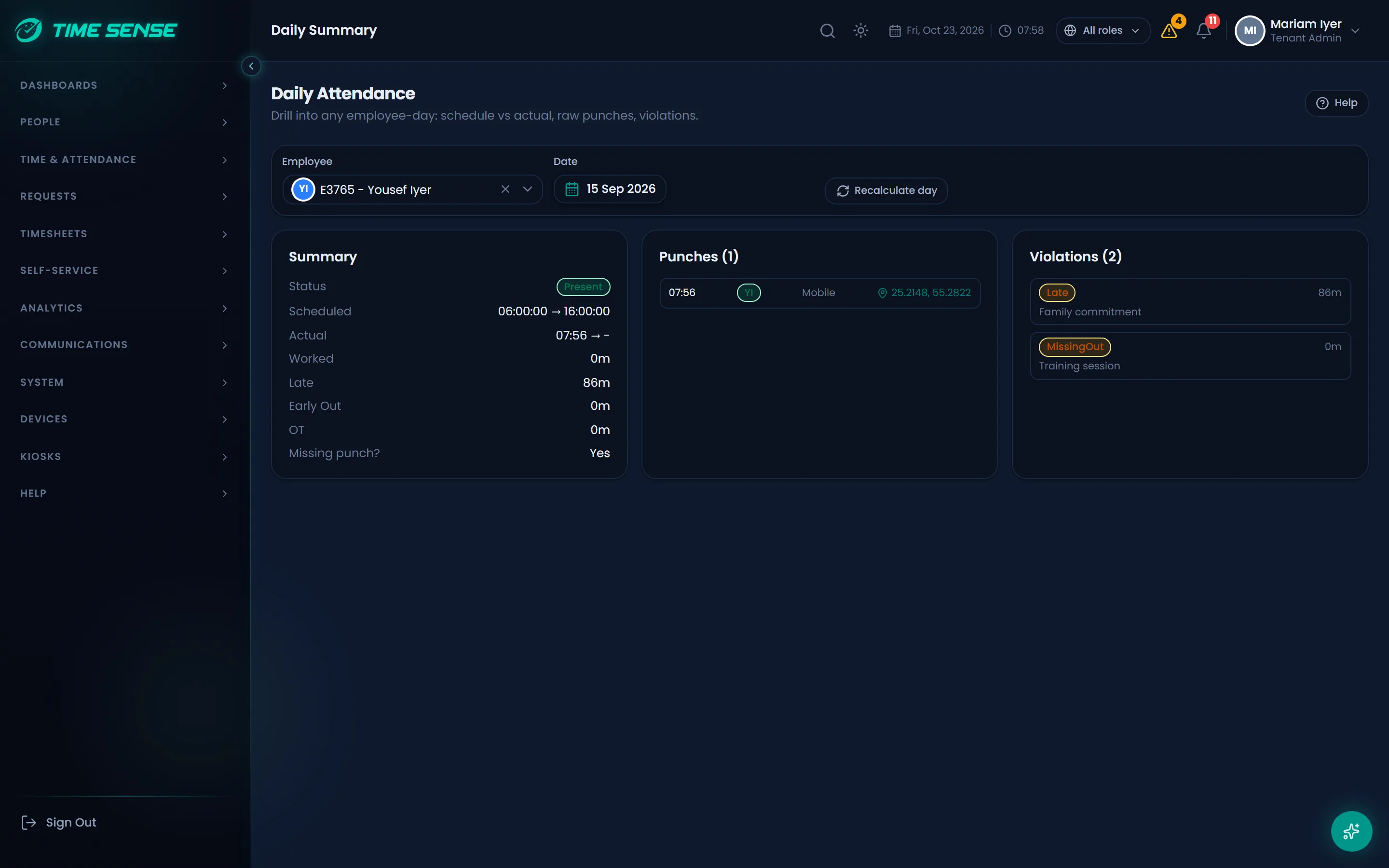
Every punch is graded against your policy automatically, and graded again when the policy or the punches change.
- Configurable grading for late arrival, early departure, overtime and absence, with grace periods and flexible bands.
- Public holidays and rest days come from the calendar, not from manual edits.
- Violations feed a discipline workflow, and a recalculation queue re-grades past days when rules or punches change.
- Every duration is shown in hours and minutes (HH:MM), never as raw minutes.
Leave, permissions, WFH and overtime
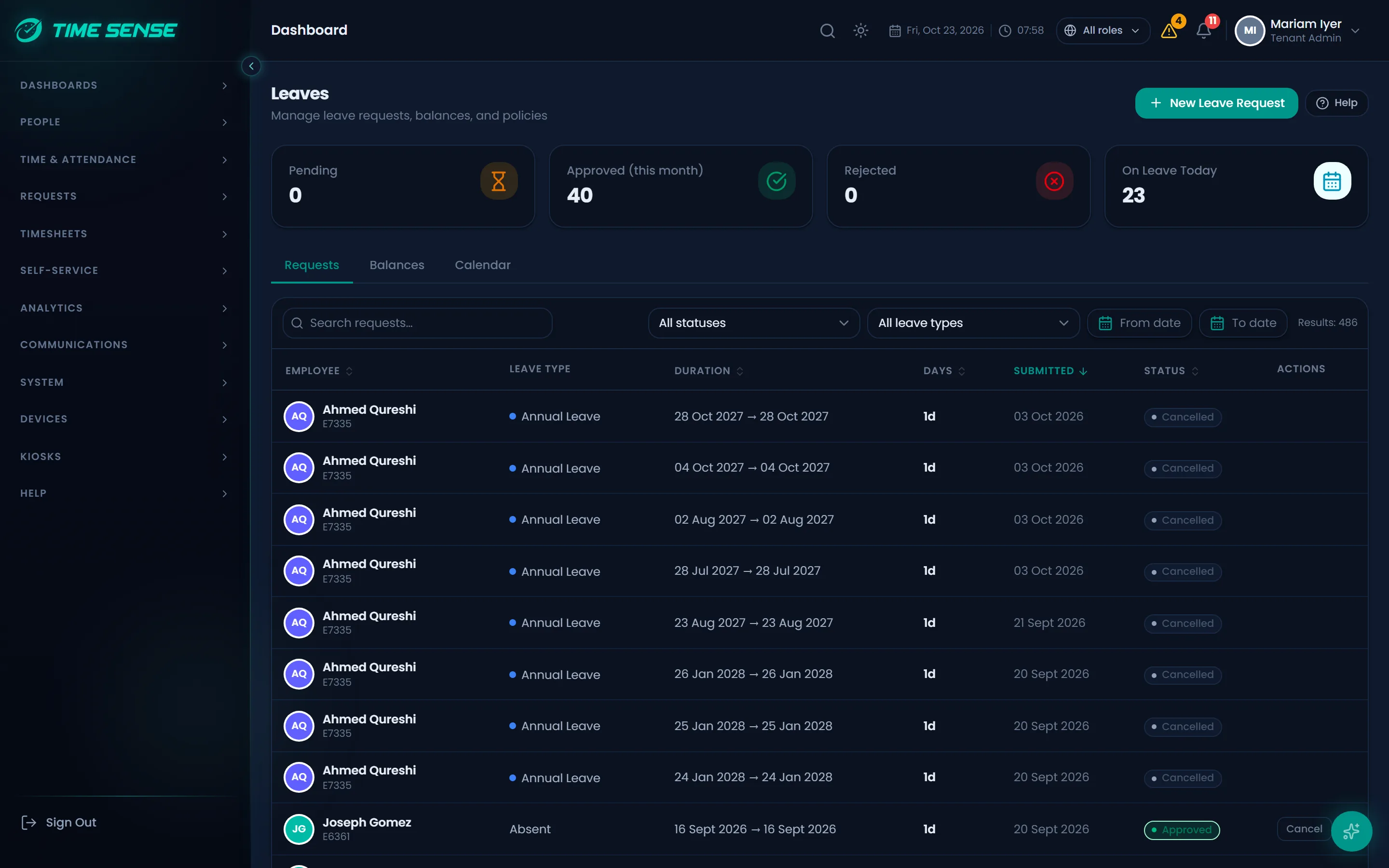
Every kind of time away and extra time, requested, balanced and approved in one place.
- Leave types with balances, set up to match your policy.
- Short hourly permissions and work-from-home days.
- Overtime types and overtime requests.
- Managers and HR can raise a request on behalf of an employee.
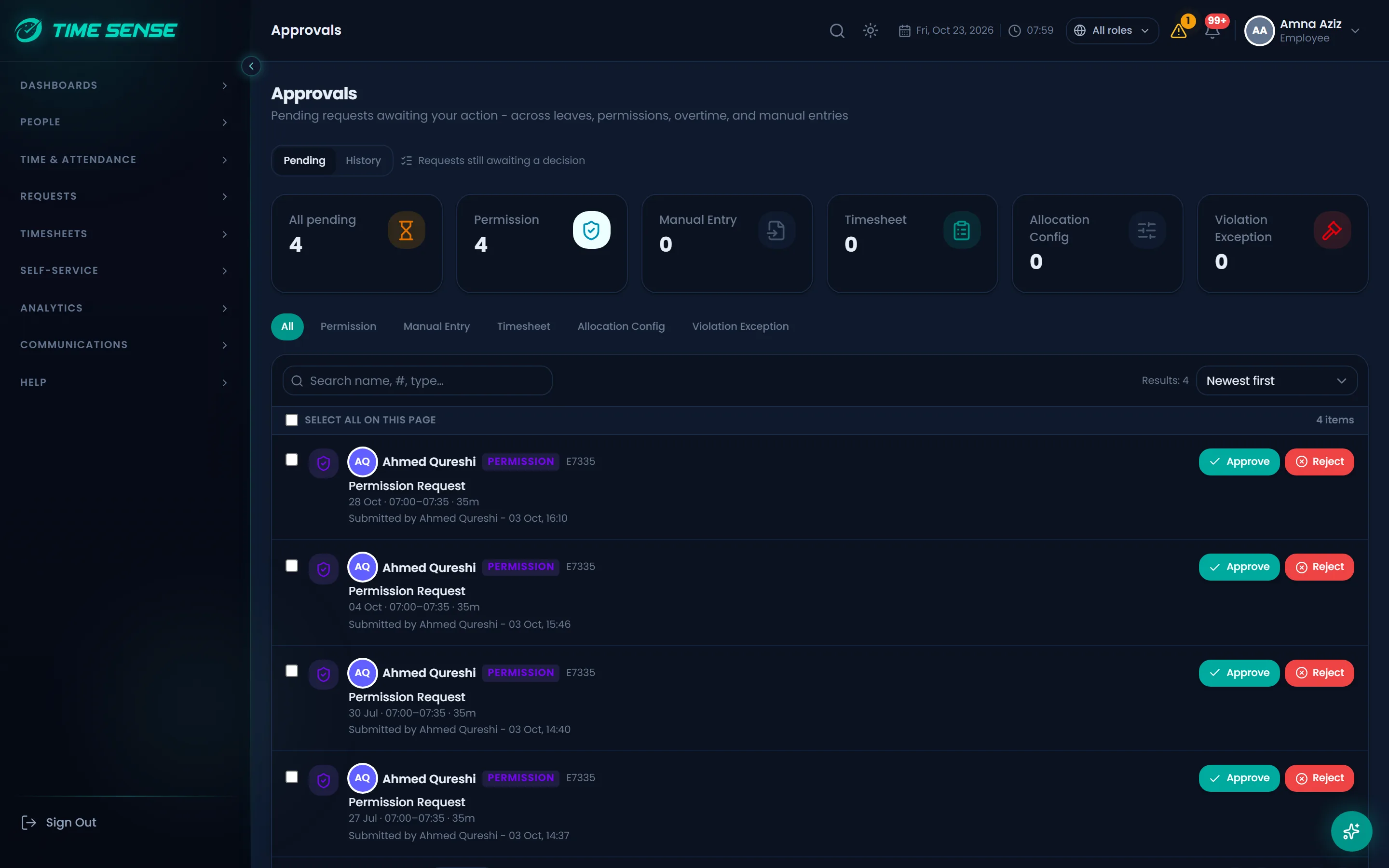
Approvals and workflows
Route every request through the approval path your organisation actually uses.
- A configurable approval engine with multi-step flows, conditions and escalation.
- Delegation, so approvals keep moving while a manager is away.
- One approvals inbox with live counts of what is waiting.
- Approve from the web, the mobile app or a chat with Vyra Copilot.
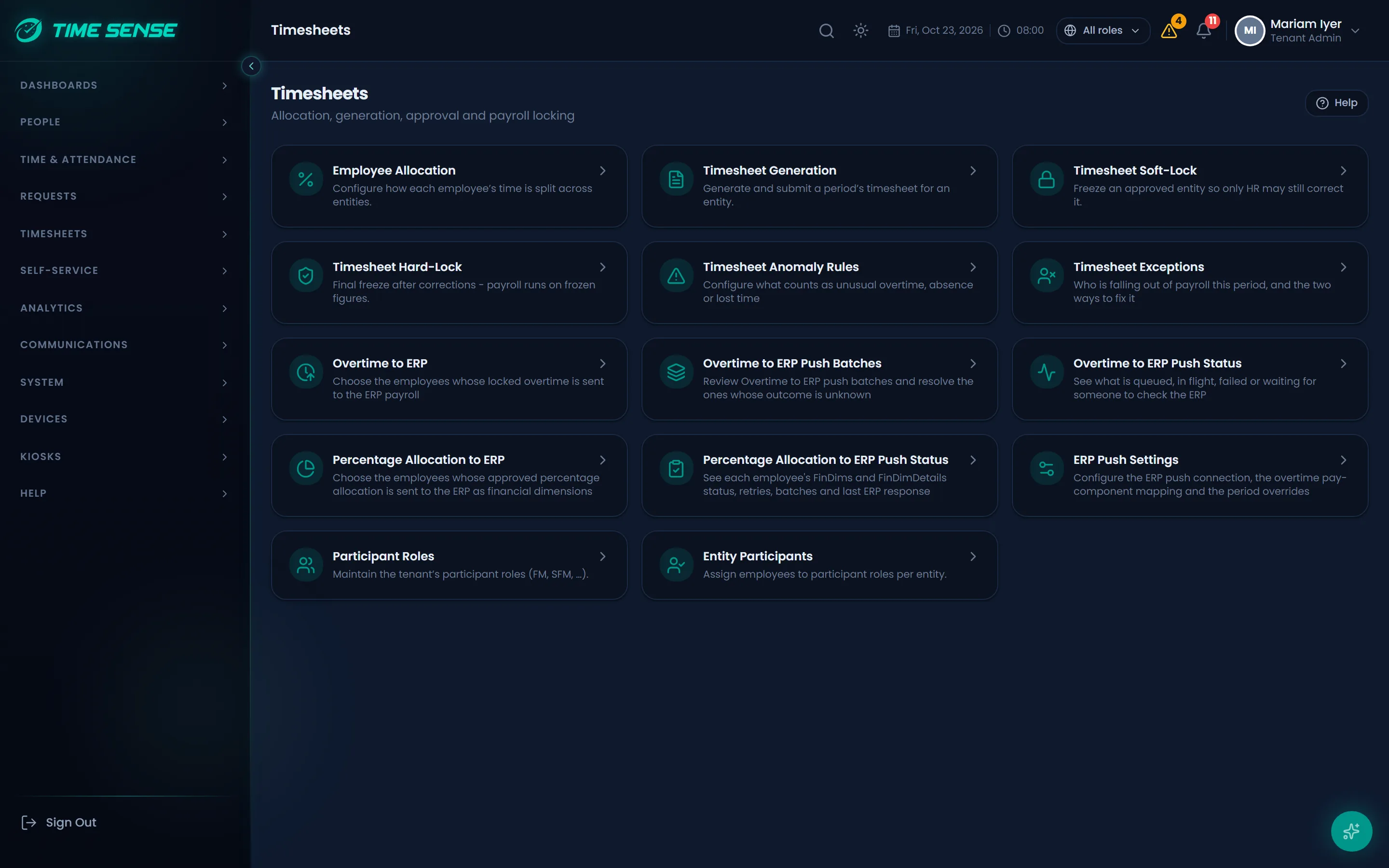
Timesheets and cost allocation
Turn graded attendance into approved, locked timesheets and the cost view finance needs.
- Generate timesheets in bulk for a period, then approve and lock them.
- Allocate worked hours across projects for cost reporting.
- Anomaly rules flag timesheets that need a second look before approval.
AI built in
Time Sense AI works inside the product: it answers, explains, suggests and forecasts, always within each user's permissions.
Vyra Copilot
Ask in English or Arabic and get answers from your own attendance data. Vyra can also act, for example on approvals, within your permissions.
Behavior Analysis
Scores attendance behaviour across 24 parameters, explains the result in English or Arabic, and lets you try what-if changes.
Smart Assign
Suggests the best-fit people for open shifts. A manager reviews and confirms each one.
Predictions
Statistical forecasts of attendance trends, so you can plan staffing ahead.
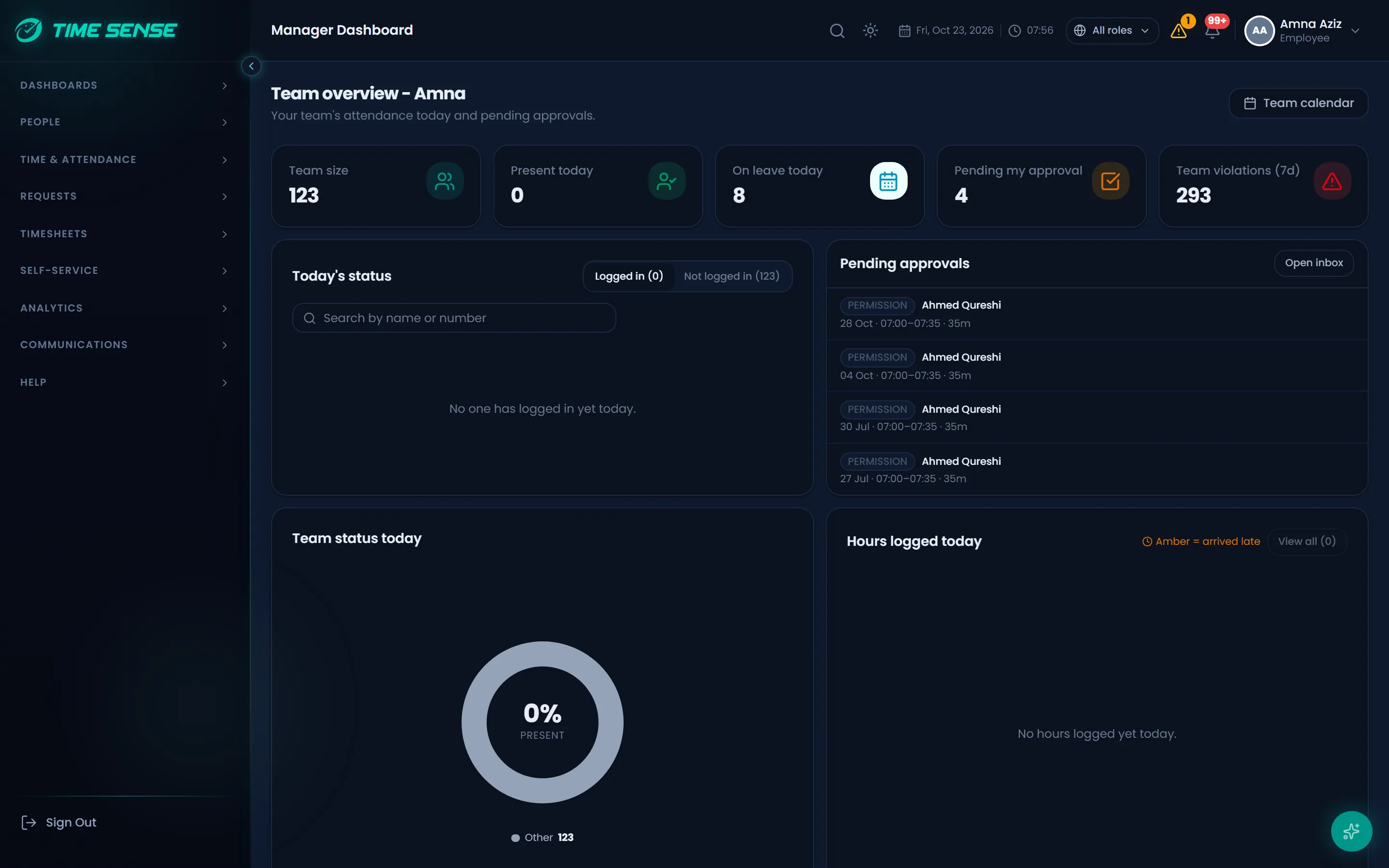
Manager and employee self-service
Managers see their team at a glance, and employees handle their own time without waiting on HR.
- A manager dashboard over direct reports: who is in, late or away today, and what needs action.
- Smart nudges and team insights, driven by clear rules.
- My calendar, my schedule and my requests, on the web and in the mobile app.
- Push notifications with the full request detail, when your organisation turns them on.
Reports and analytics
Ready-made reports and dashboards you can drill into, exported in the format you need.
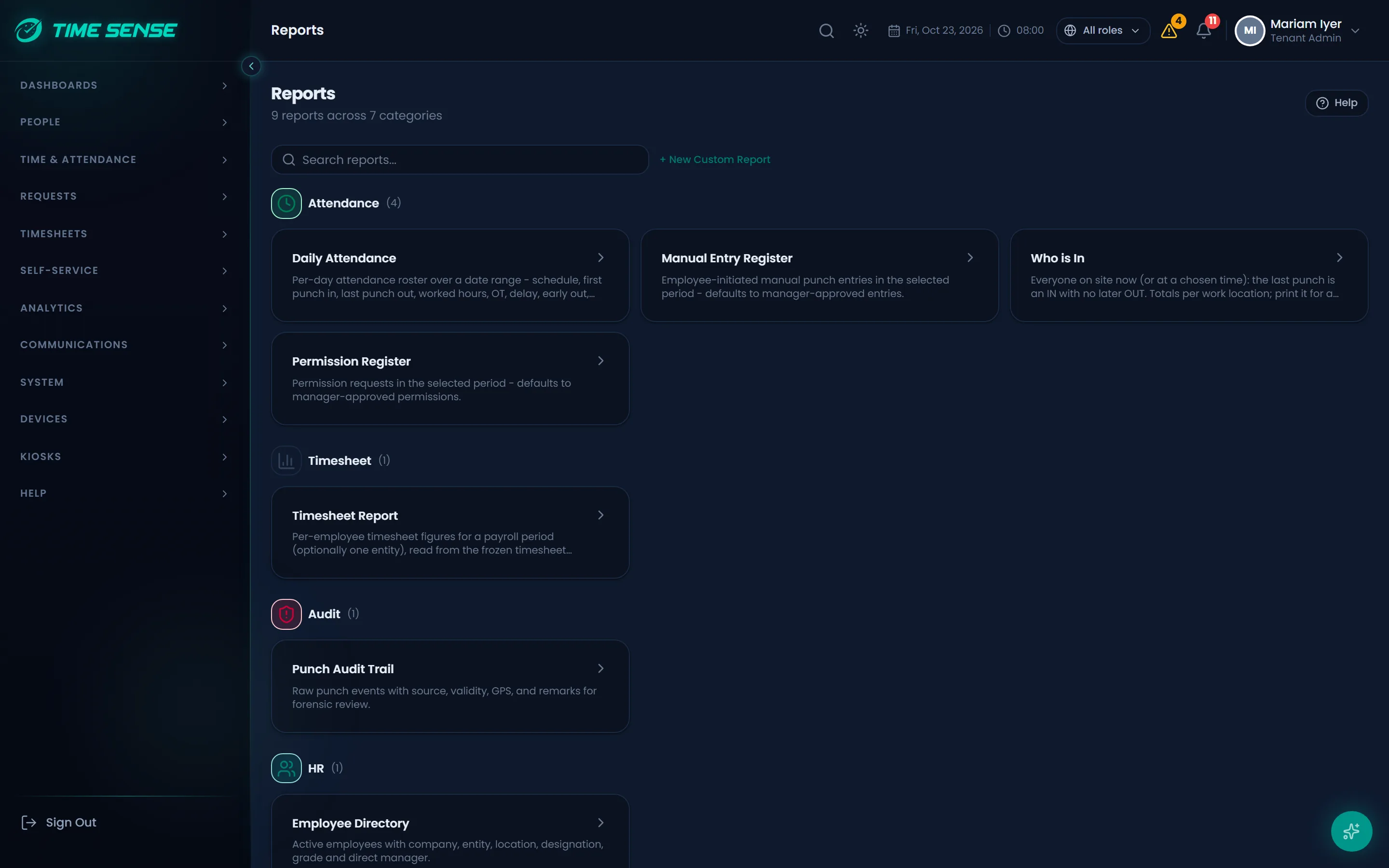
- A catalog of ready-made attendance, leave, overtime and timesheet reports.
- Role dashboards with drill-through from a tile to the records behind it.
- Export to Excel, CSV or PDF.
Integrations
Time Sense connects to the systems you already run.
- Microsoft Dynamics 365: import employees and master data, and push approved overtime back.
- Single sign-on per organisation through Microsoft Entra ID (OpenID Connect).
- ZKTeco devices over push, and Firebase notifications to the mobile app.
- Move from an existing Time Sense installation with a guided migration and a parallel run that keeps both systems in step until you switch.
Enterprise-grade by design
Built for organisations where data separation, access control and an audit trail are not optional.
- Strict tenant isolation, role-based access narrowed by company, entity, work location or group, and a full audit trail.
- Biometric consent and withdrawal: withdrawing consent removes the face from every face kiosk, and biometric data never enters the audit trail.
- A platform hardened through vulnerability assessment and penetration testing, in the cloud or on your own servers with a signed licence.
- Arabic right-to-left throughout, and tax invoices in AED with 5% VAT.
Frequently asked questions
How does the free trial work?
Send a trial request. Our team reviews it and sets up a trial organisation for you, with your own administrator account, so you can try Time Sense with your own data.
Which currency do you invoice in?
UAE dirhams (AED), with 5% VAT added on a tax invoice.
Can we run it on our own servers?
Yes. Use Time Sense in the cloud, or install it on your own servers under a signed licence.
Which languages does it support?
English and Arabic, with a full right-to-left layout in Arabic. Vyra answers in the language you write in.
How does the AI use our data?
AI is switched on per organisation by your administrator. You connect your own AI provider, its key is stored encrypted and never shown again, and every answer stays within the asking user's permissions.
See Time Sense with your own rules
Book a demo and we will walk through your shifts, policies and approvals with you, or start a free trial.